Overview
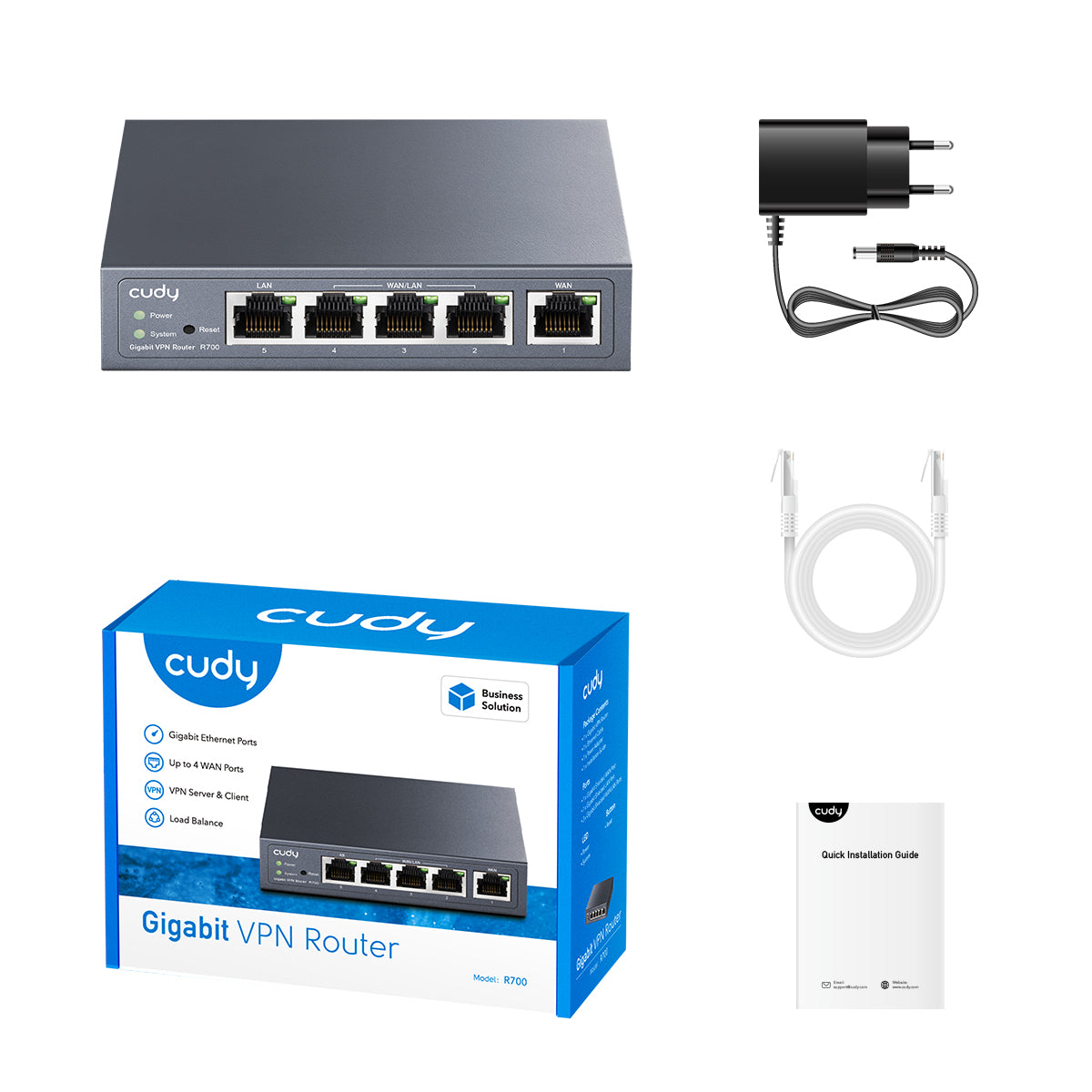
Package Content
Interfaces, Button and LEDs
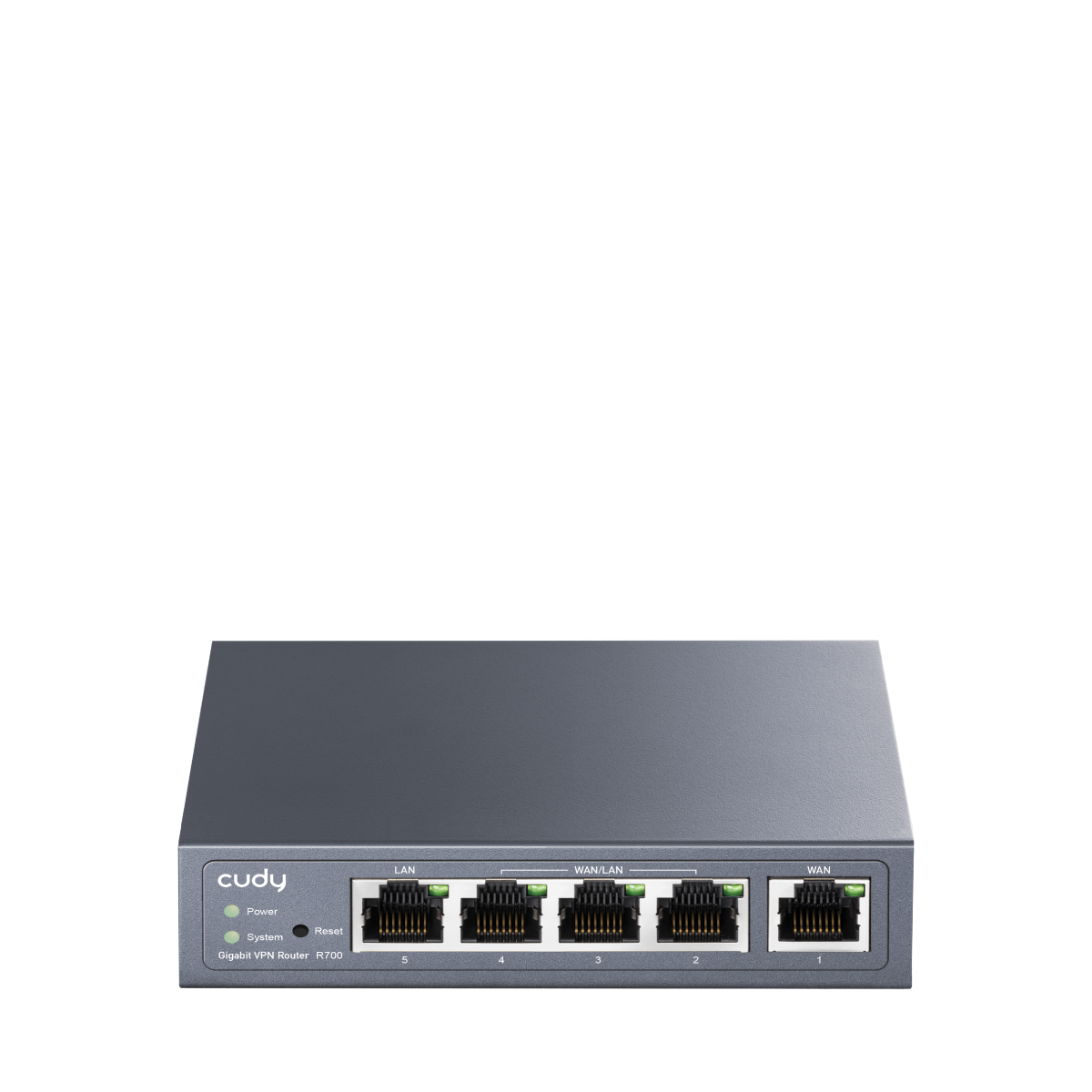
| Interface | Instruction |
|---|---|
| DC POWER Jack | Plug the provided power adapter to supply power. |
| LAN1/2/3 Port | Connect to Ethernet device(s). |
| WAN Port | Connect to the Internet. |
| WPS Button | Press for 1 second to authorize WPS connection. |
| RESET Button | Press for 5 seconds to restore factory defaults. |