Diagnostic Tools
PING
Tests the connectivity between the range extender and the tested host, and measure the round-trip time.
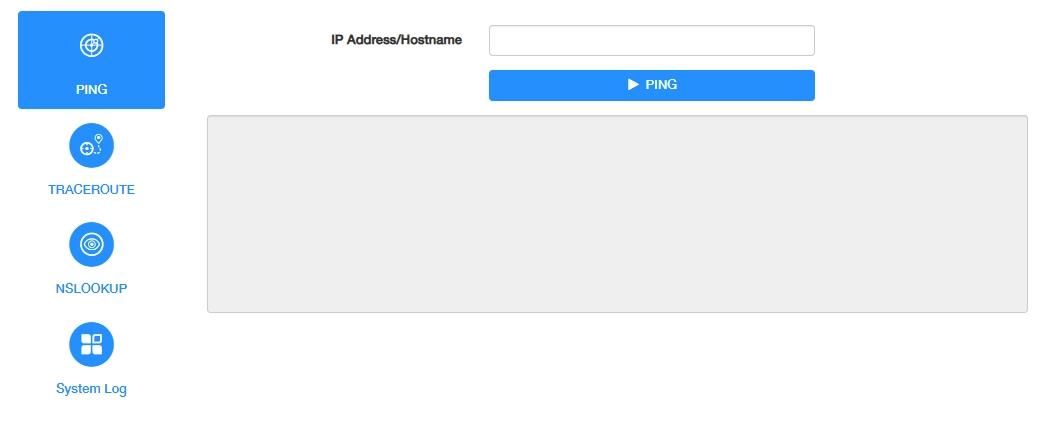
To use PING for diagnosis, please follow the steps below.
- Select the tested Interface, either WAN or LAN.
- Enter the IP Address or Host name of the tested host.
- Click PING to start the diagnosis.
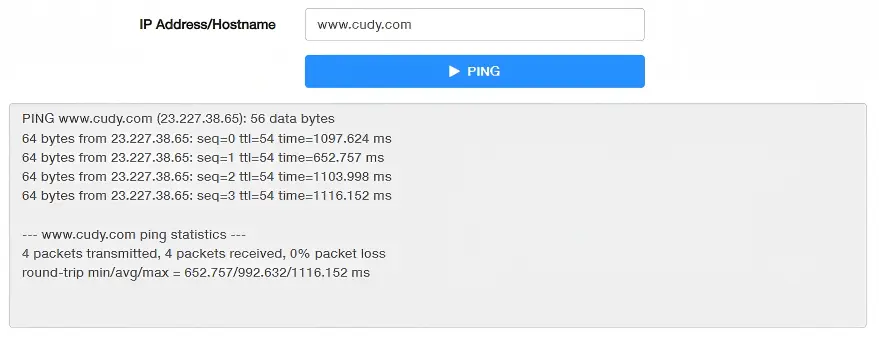
The figure below indicates the proper connection between the range extender and the Cudy server (www.cudy.com) tested through Ping.
TRACEROUTE
Tests the route (path) your range extender has passed to reach the tested host, and measure transit delays of packets across an Internet Protocol network.
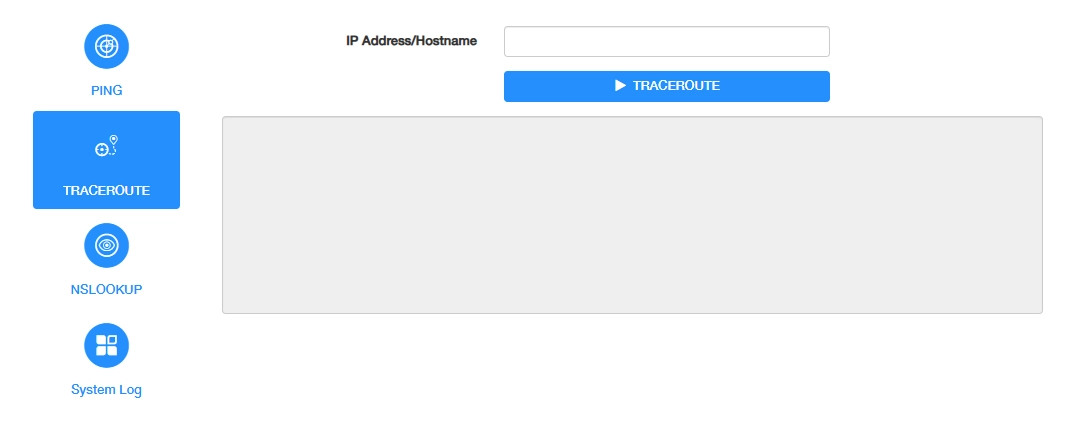
To use TRACEROUTE for diagnosis, please follow the steps below.
- Select WAN as the tested Interface.
- Enter the IP Address or Host name of the tested host.
- Click TRACEROUTE to start the diagnosis.
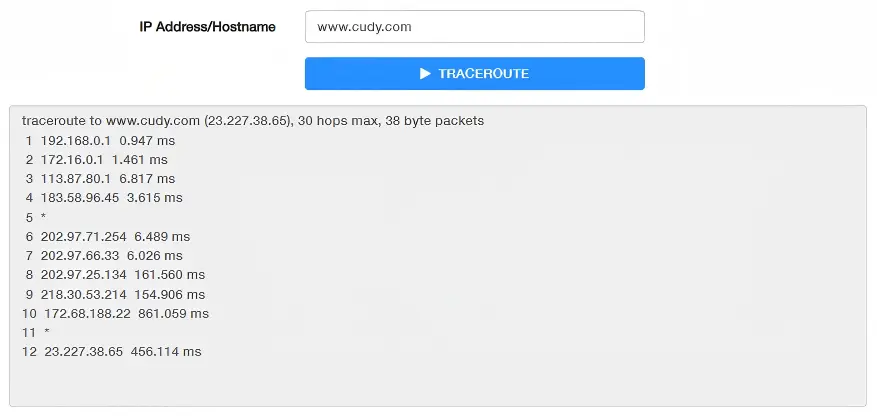
The figure below indicates the proper connection between the range extender and the Cudy server (www.cudy.com) tested through Traceroute.
NSLOOKUP
Checks if the DNS IP address of the WAN can work normally.
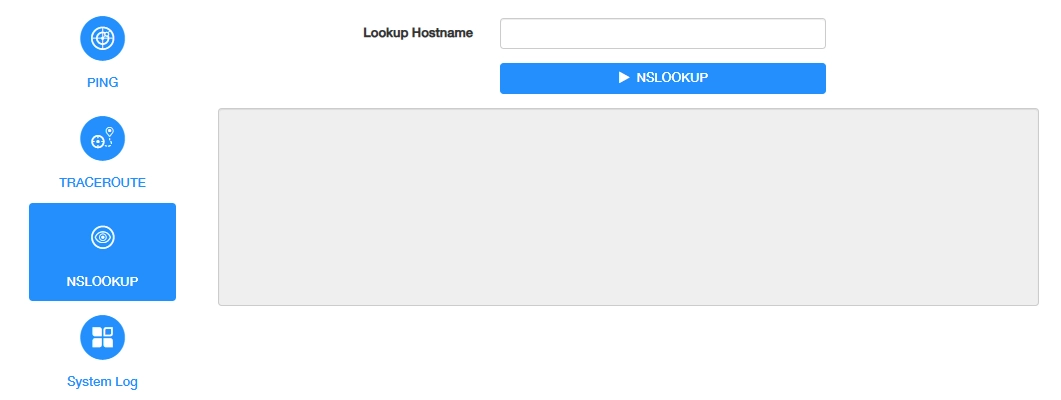
To use NSLOOKUP for diagnosis, please follow the steps below.
- Enter the Lookup Host name of tested host.
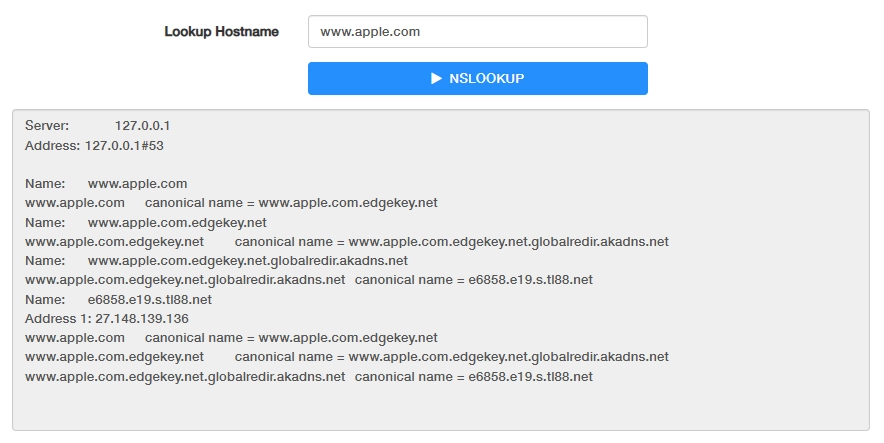
- Click NSLOOKUP to start the diagnosis. The result will show as below.
System Log
Tracks all the range extender behaviors. When the range extender does not work normally, download the system log and send it to our Technical Support for troubleshooting.
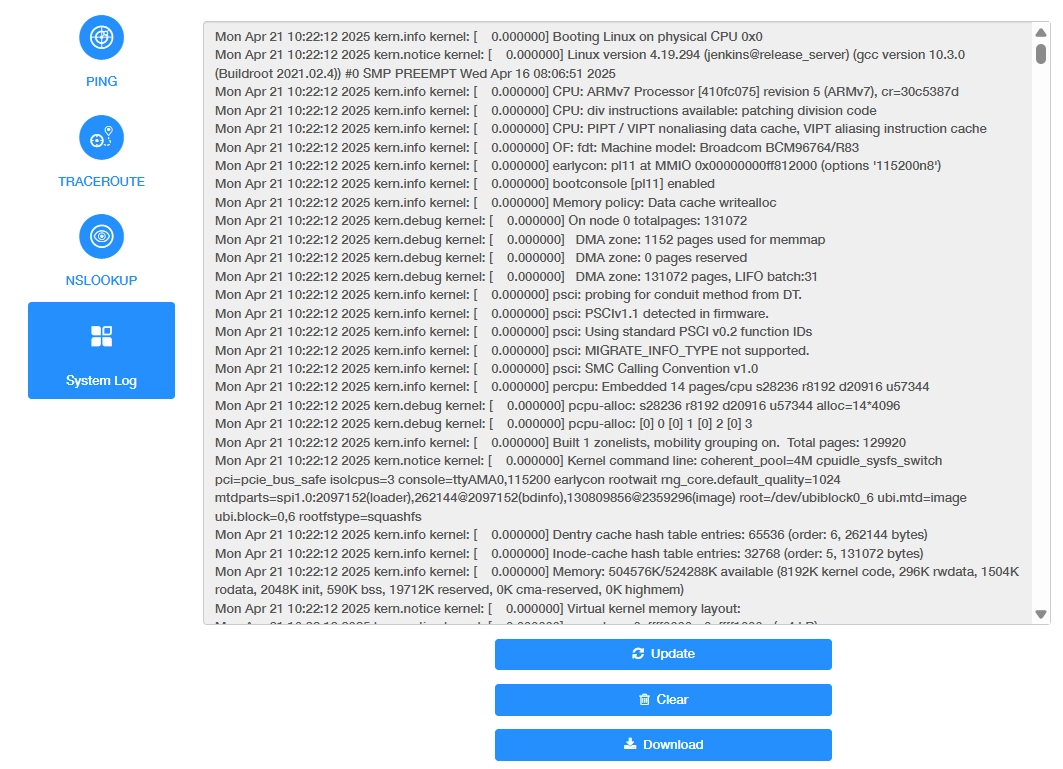
- Update: Click to refresh the system log.
- Clear: Click to erase all the system log up till now.
- Download: Click to download the system log for technical support.