WISP
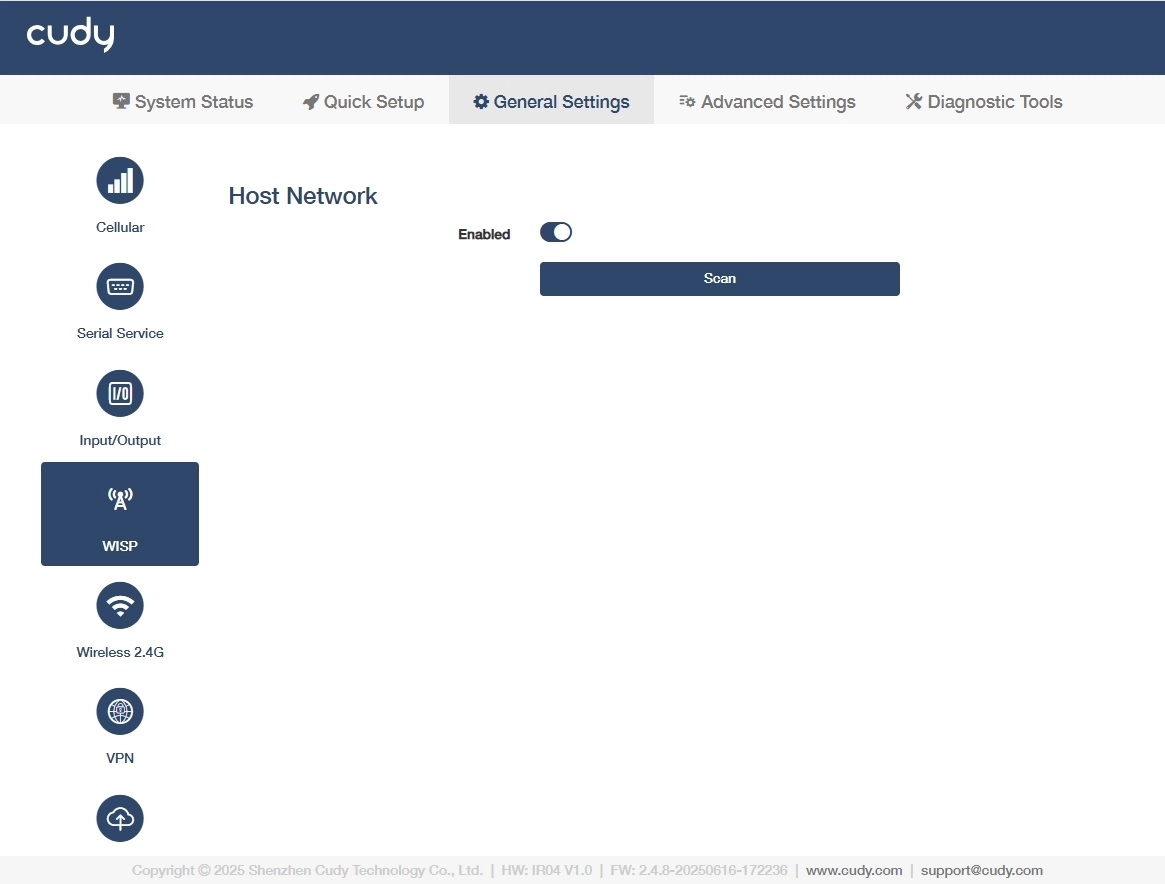
On the General Settings >> WISP page, you can enable the router to wirelessly connect to a distant Wi-Fi network and share that connection locally via Ethernet/Wi-Fi, acting as a client bridge. Please follow the steps below.
- Turn on Enabled to activate the WISP function.
-
Click Scan to search for available Wi-Fi networks. If necessary, click Rescan to re-search or update the host network list.
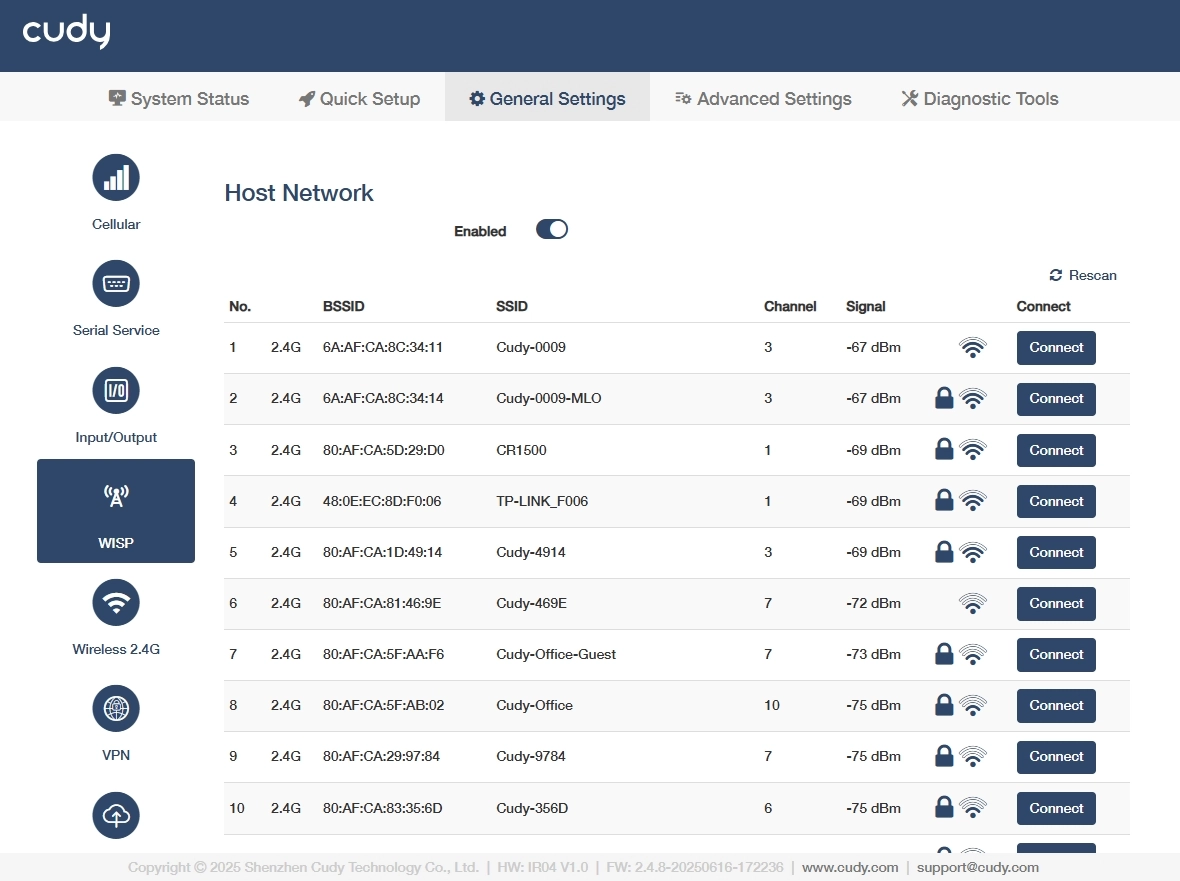
- BSSID: Displays the MAC address of the host network.
- SSID: Displays the visible name of the host Wi-Fi network.
- Channel: Displays the frequency band the host network uses.
- Signal: Displays the host network's signal strength.
-
Select your target host network and click Connect to pop up the connection page.
-
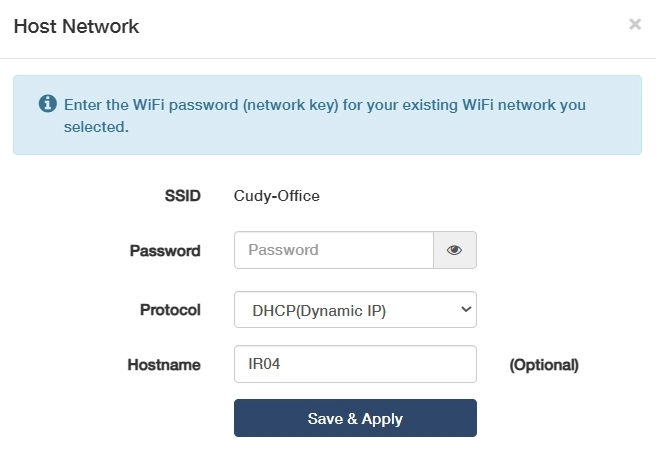
Enter the password if required and customize the host name as desired and click Save & Apply.