Quick Setup
Note
IR04 is used as an example in this guide. Refer to your actual product for more details.
-
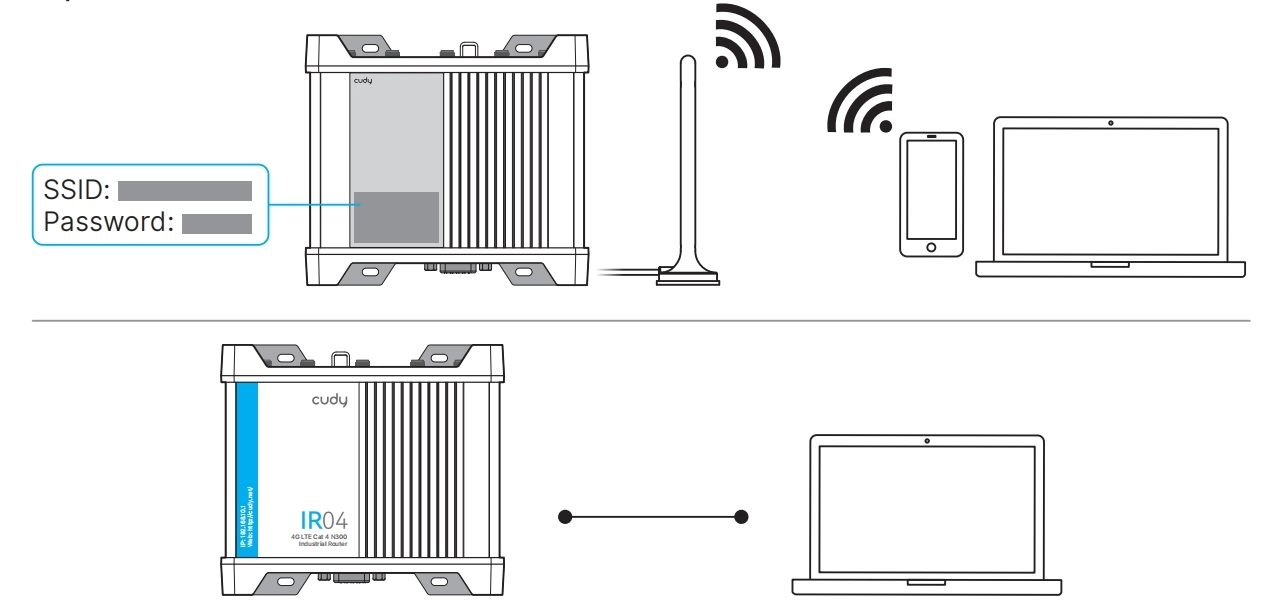
Connect the management device to the router via an Ethernet cable or Wi-Fi (default SSID and Password are printed on the product label).
-
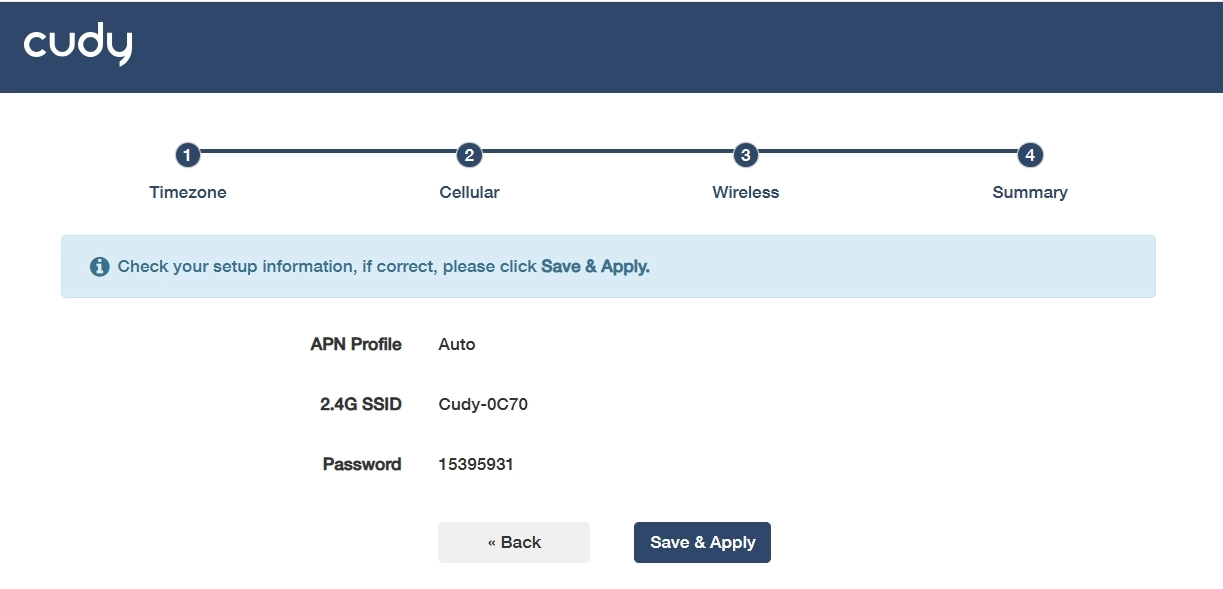
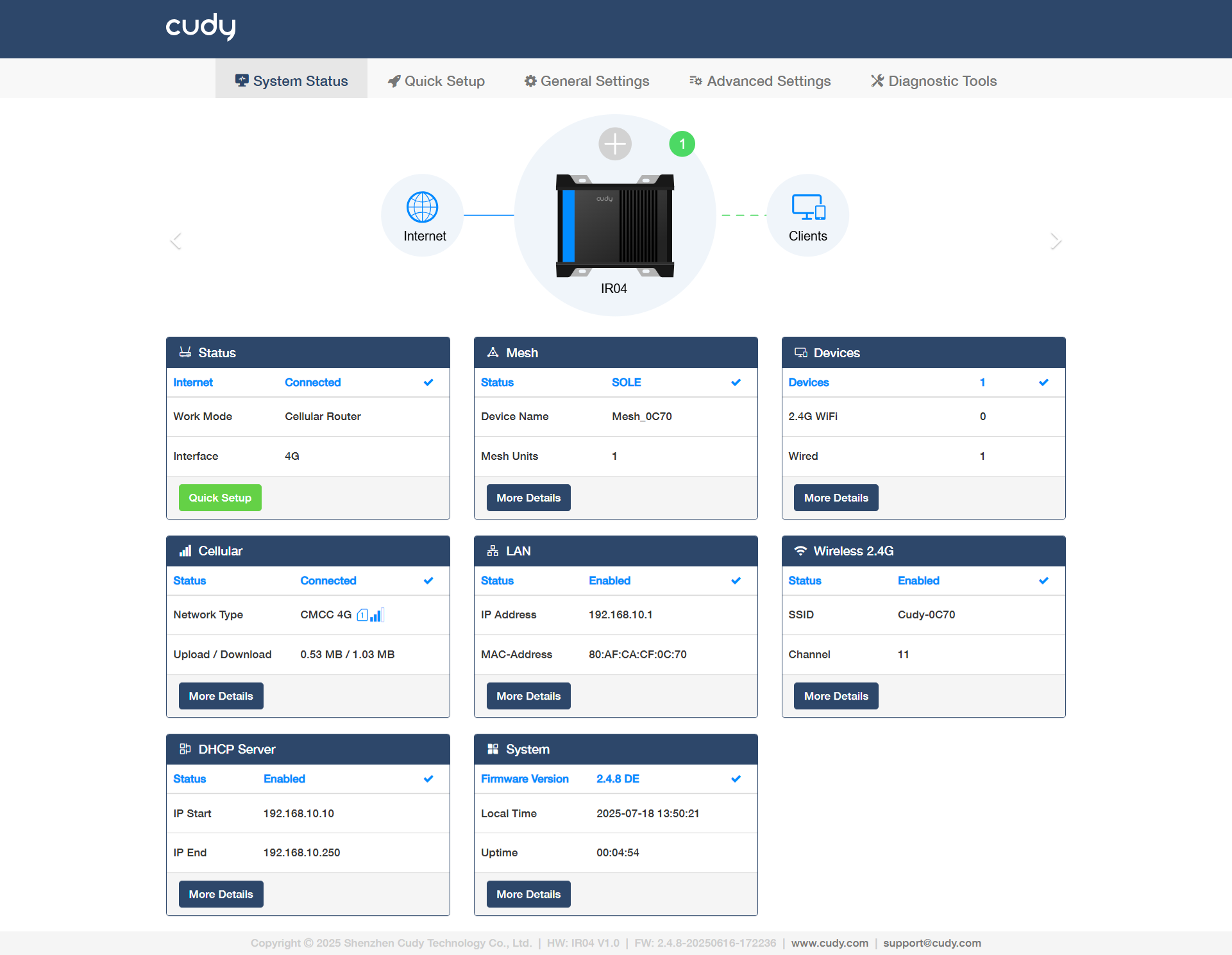
Launch a browser, enter cudy.net (or 192.168.10.1) in the address bar, and create a password to log in. Then follow the step-by-step instructions to complete the Quick Setup.
Note
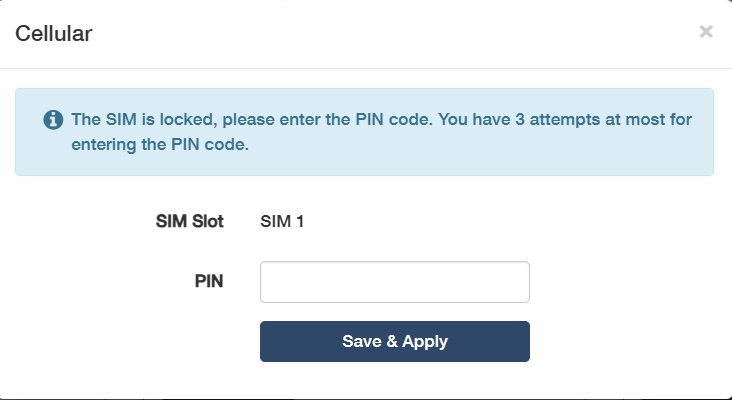
If the window as below shows up, please input your SIM PIN or contact your carrier for help.