Overview
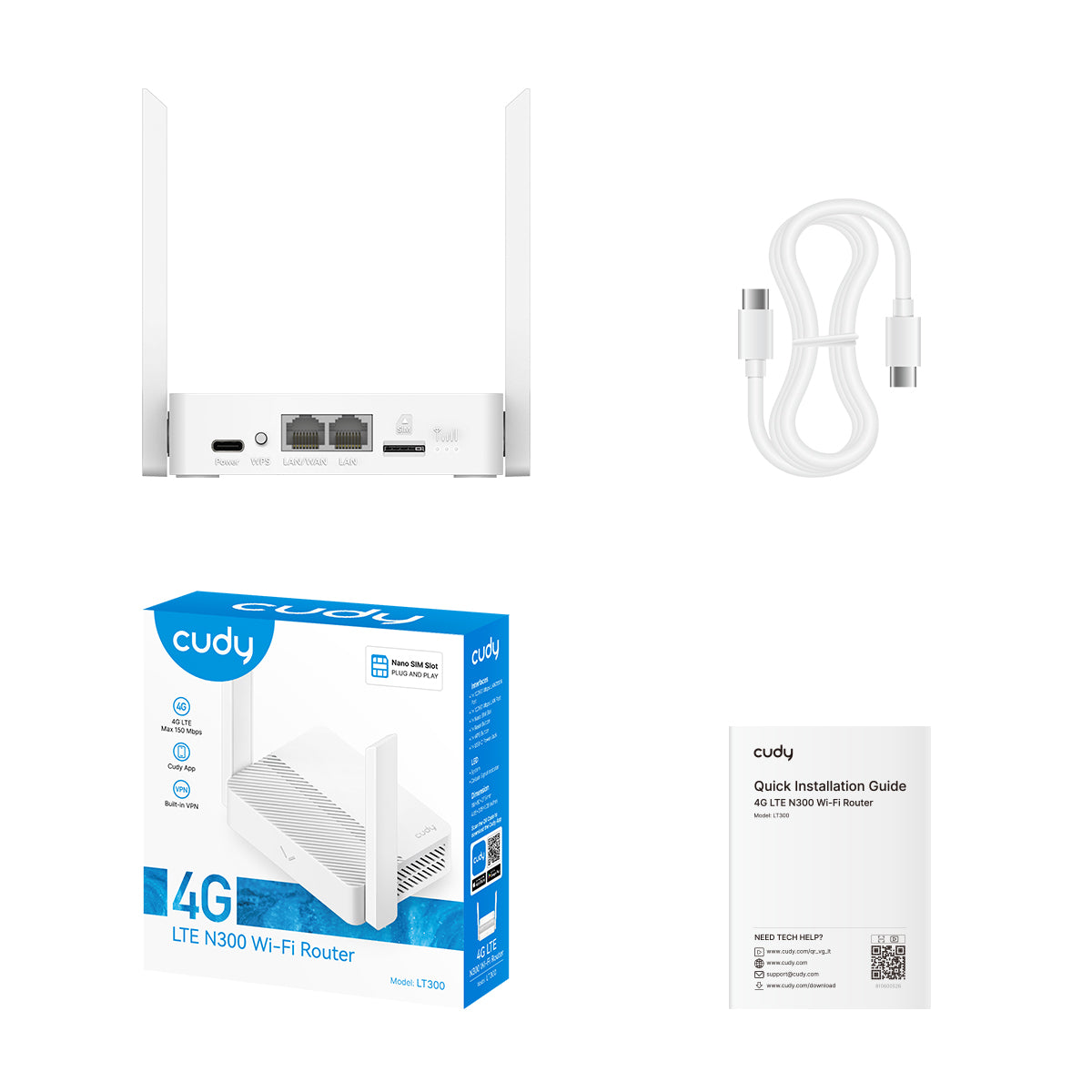
Package Content
Front Panel
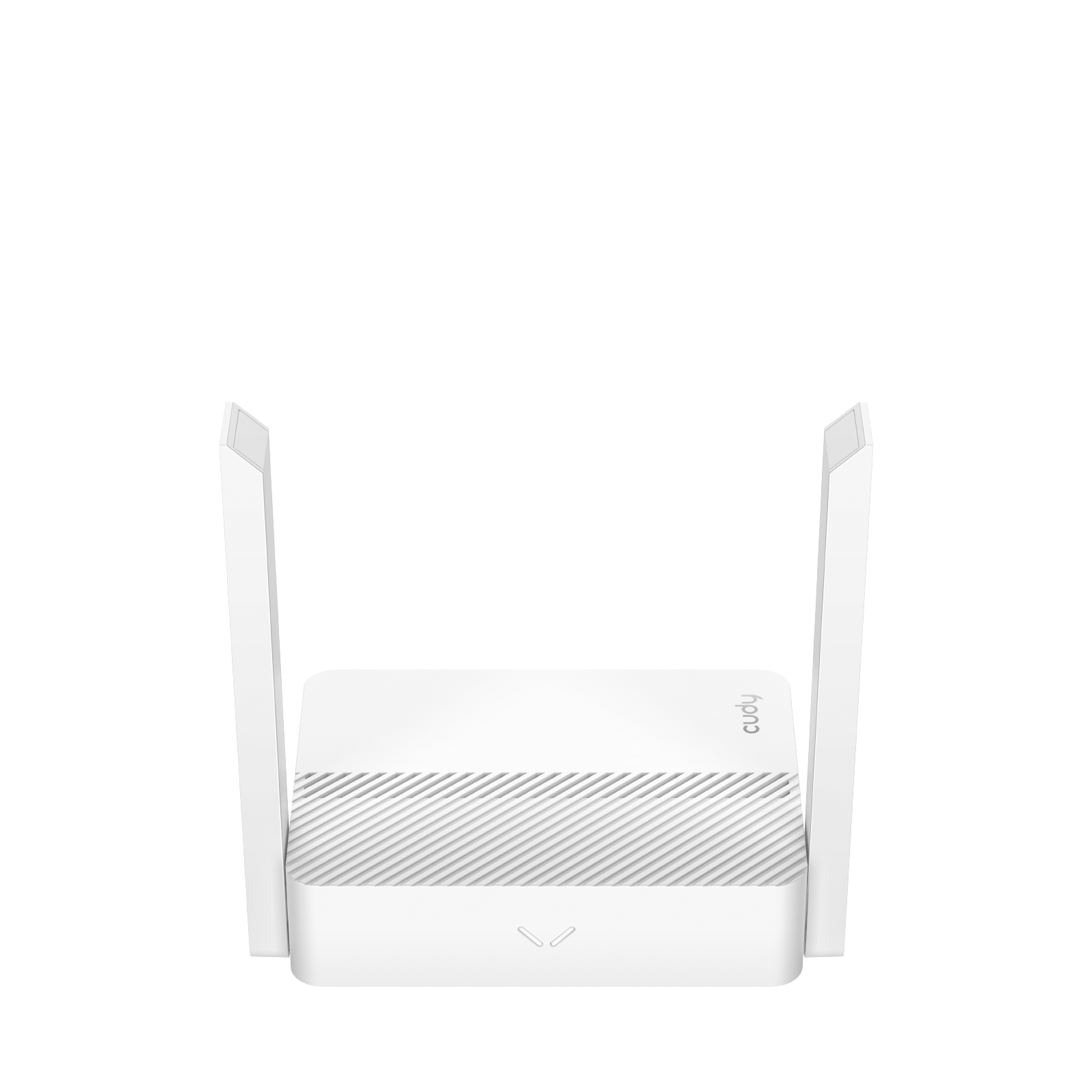
| LED | Status | Indication |
|---|---|---|
| System LED | Off | Power is off. |
| Blink Red | System is initializing. | |
| Solid Red | Internet is not available. | |
| Blink White | In WPS process. | |
| Solid White | Internet is available. | |
| Alternating red and white | System is upgrading. |
Back Panel
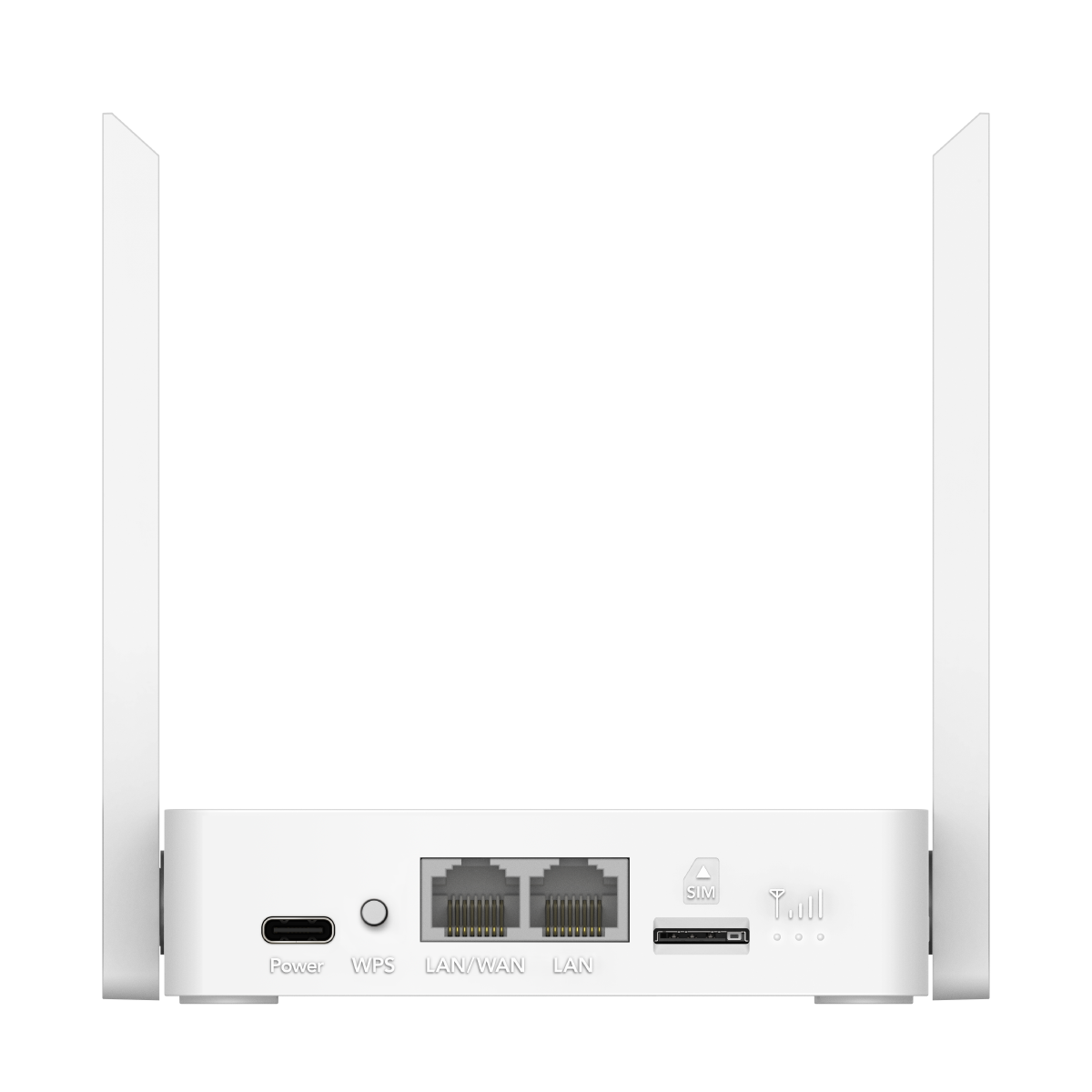
| Interface | Instruction |
|---|---|
| USB-C Power Port | Plug one end of the provided USB cable to the router and the other end to a power source. |
| WPS Button | Press for 1 second to authorize WPS connection. |
| LAN/WAN Port | Connect to the Internet or an Ethernet device. To switch between WAN and LAN, please log into the management webpage and go to Advanced Settings -> Network -> LAN/WAN Switch. |
| LAN Port | Connect to an Ethernet device. |
| SIM Slot | Insert a SIM card to access the cellular network. |
| LED | Status | Indication |
|---|---|---|
| Signal LED | Off | No signal. |
| 1st LED On | Cellular network signal is weak. | |
| 1st & 2nd On | Cellular network signal is medium. | |
| 3 On | Cellular network signal is strong.< |