Devices
-
Status shows the number of devices connected to this Router, via Ethernet cable or 2.4G WiFi or 5G WiFi.
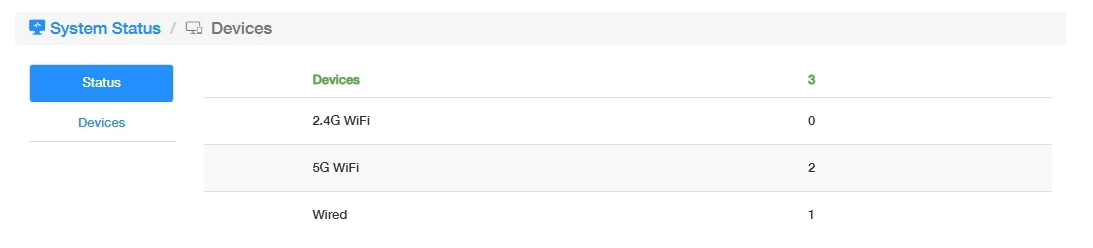
-
Devices allows for some settings about these connected devices.
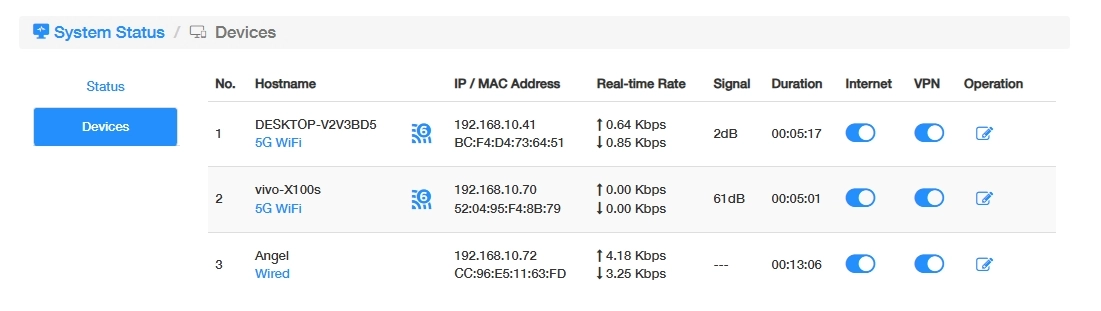
- Internet: Click to enable/disable the Internet for the devices.
- VPN: Click to enable/disable VPN for the devices.
- Operation: Click to pop up the editing page as below, where you can customize the device name and limit the download/upload rate.